CHALICE
A downloadable game for Windows
CHALICE
"Today's my birthday, a victory would be nice!"
- AWACS SkyEye
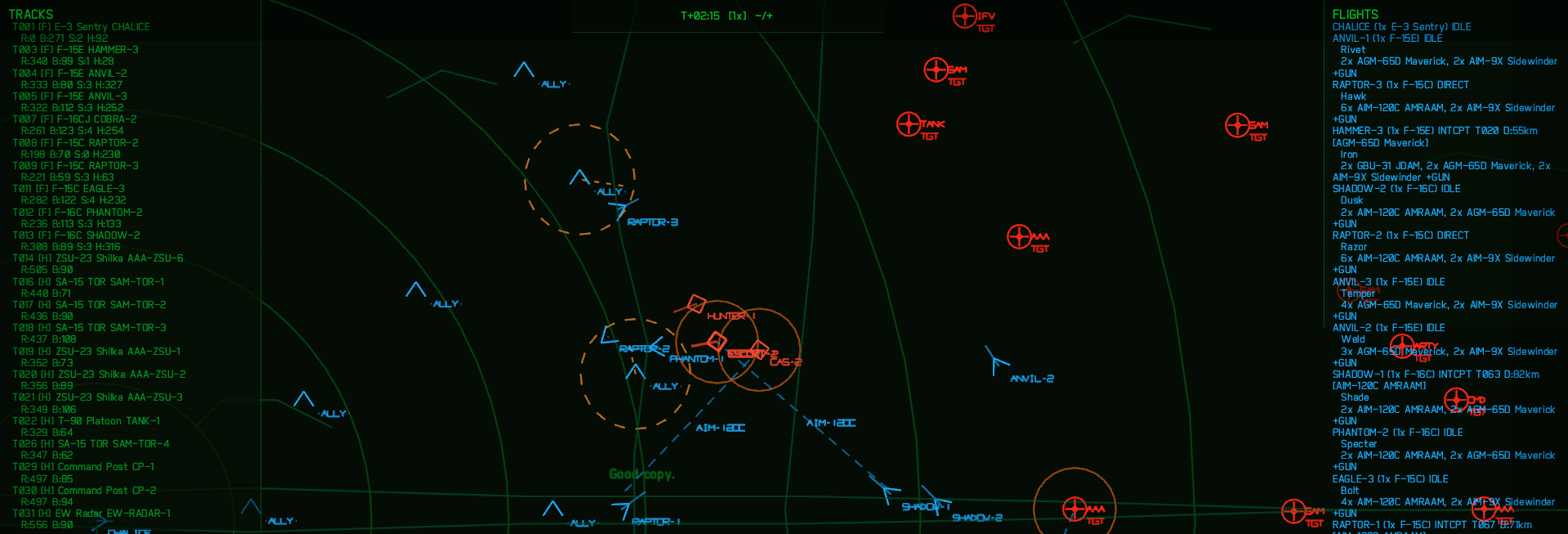
Peace, stability, and harmony are under threat from forces that seek to undermine global order. Which is why Rockwell Industries Inc (c) has introduced a new and revolutionary system for AWACS controllers, and what better way to test it out than on an active battlefield!
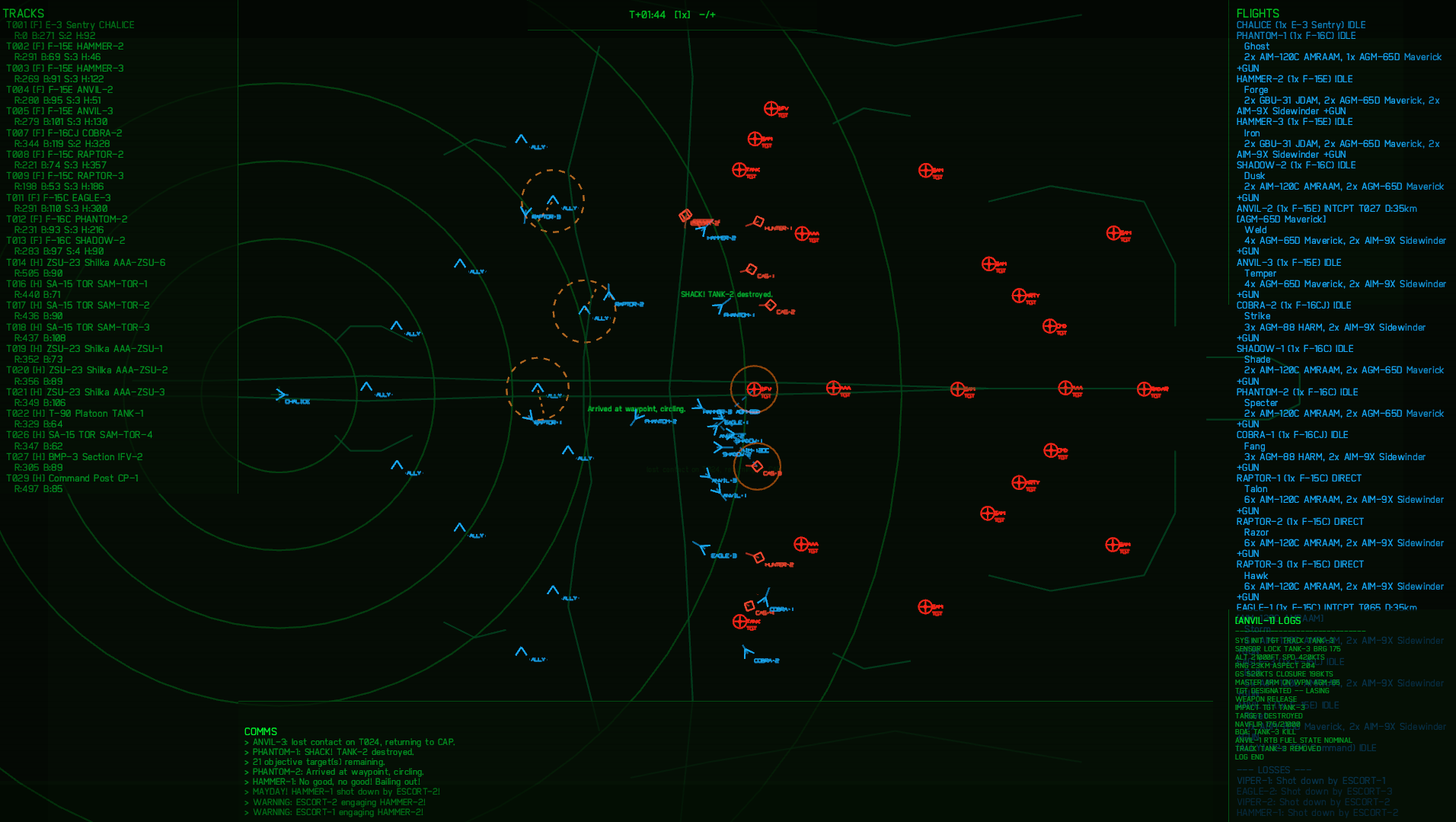
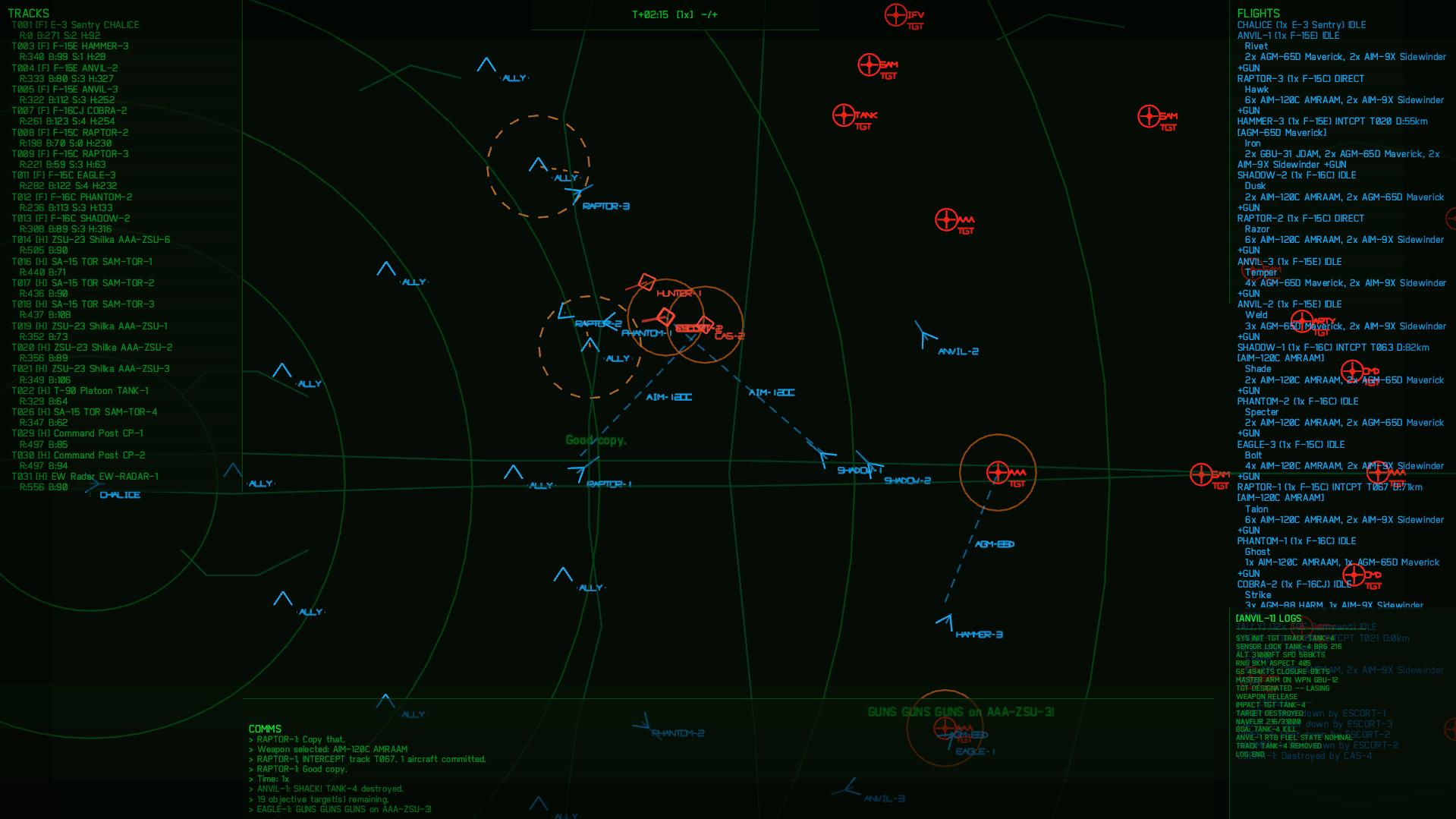
"CHALICE", a newly deployed AWACS controller of the 92nd Air Communications Division of the [REDACTED] Air Force. Coordinate air superiority and make decisions that determine the fate of an entire operation. Use cutting-edge battlefield awareness, predictive targetting and tactical command to crush our enemies to dust. Rest assured, your pilots trust you completely. They have signed the appropriate waivers.
Defend our future.
Rockwell Industries Inc (c). // Innovation. Security. Harmony.
NOTICE
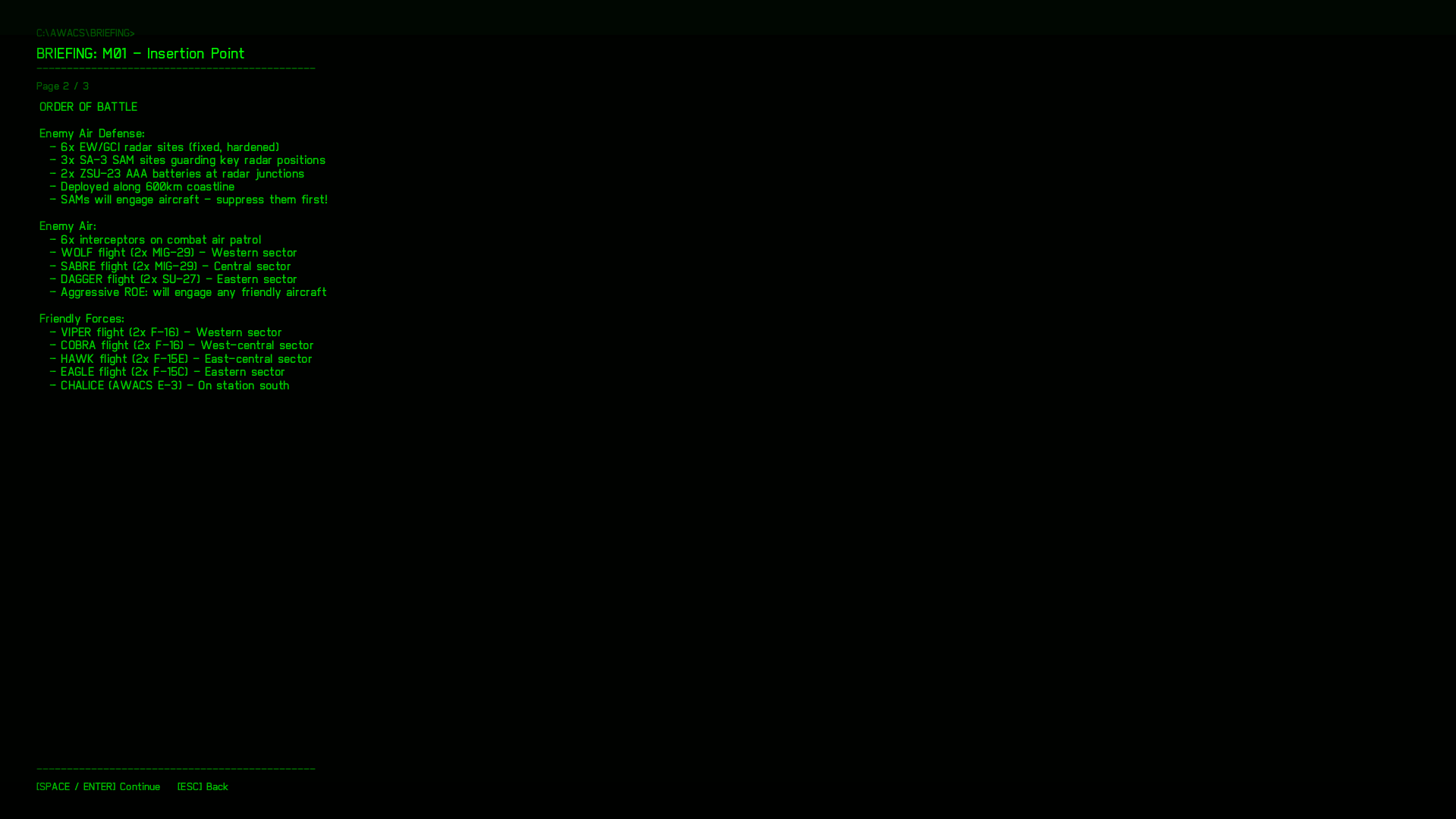
This game is in early Alpha. There are only four missions to choose from.
The full release and further releases are planned to have 16 missions and support a custom mission editor.
Custom missions can be created as follows:
- Head over to /assets/missions/templates.ron
- Copy templates.ron and open it in any text editor
- Edit the file contents to create your own missions, more details within templates.ron
- Move .ron file back into /assets/missions
- Ensure it is labelled as such "m[x]_[mission_name].ron" e.g "m05_my_mission.ron"
- Load the game up and play!
- Music is currently hardcoded per mission ID so a OST track cannot be selected for custom missions.
Unzip the .zip folder and click on chalice.exe to run
Controls
General
- Left click: select a track under the cursor.
- Shift + Left click + drag: box-select tracks (selects friendly air units only).
- Right click: open context menu for the track under cursor (or direct-to if a friendly is selected).
- Mouse wheel (hold & drag): pan the camera
- Mouse wheel (scroll): zoom camera
Selection
- Click on a hostile to select it for targeting.
- Click on a friendly air track to remember it as the active source for orders.
- Drag-select multiple tracks with Shift+drag to issue multi-ship orders.
Orders (context menu / hotkeys)
- I: INTERCEPT — assign selected friendly flight(s) to intercept the selected hostile.
- D: DIRECT TO — send selected friendly flight(s) to the cursor/world waypoint.
- C: CANCEL — cancel orders for the selected friendly flight(s).
- A: ANTI-CAS — assign a friendly flight to guard a friendly ground unit (must select a friendly air flight first and a friendly ground unit as the target).
- Context menu keys: the context menu shows the same actions and accepts keyboard shortcuts (I, D, C, A, C to cancel).
Download
Click download now to get access to the following files:
Leave a comment
Log in with itch.io to leave a comment.